LCD vs OLED vs Mini-LED: Which Display Is Right for Your Business?
LCD, OLED and Mini-LED compared for business use: brightness, contrast, burn-in risk, lifespan and cost, with picks for signage, offices and retail.

Refresh rate and response time explained for business displays: what Hz and ms mean, motion blur, input lag, LED wall refresh, and what each use needs.
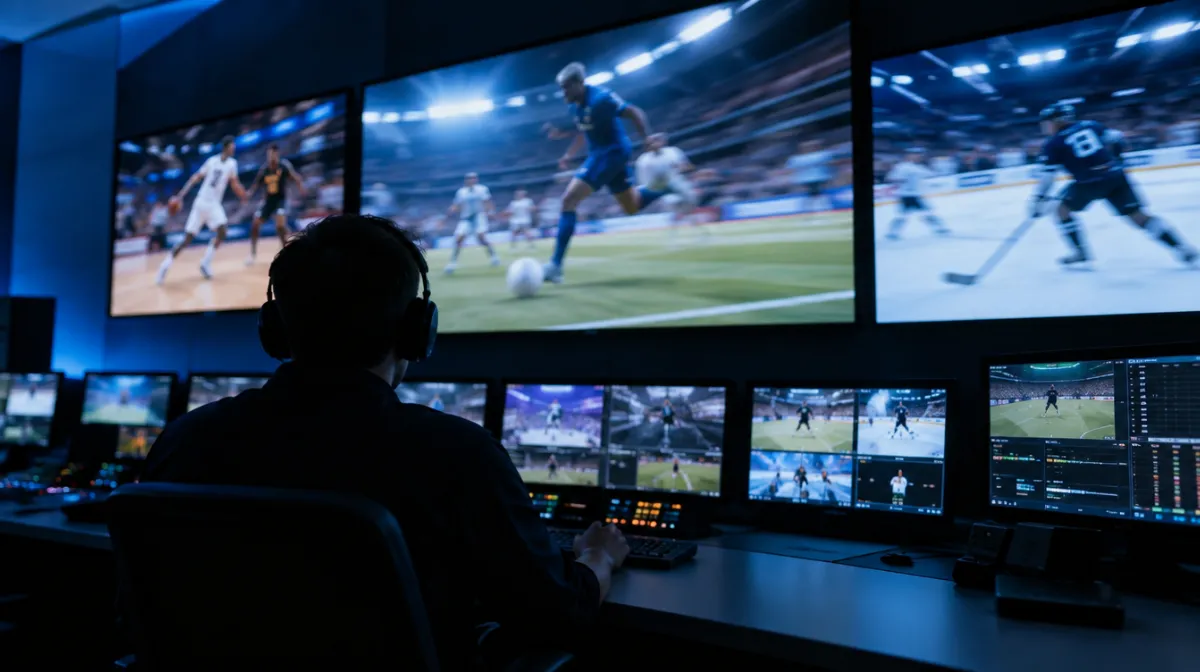
Refresh rate and response time both describe motion, but they measure different things. Refresh rate, in hertz (Hz), is how many times per second the display draws a new image. Response time, in milliseconds (ms), is how quickly each pixel can change from one colour to another. For most business uses, such as signage, presentations and office work, a 60 Hz display with a reasonable response time is all you need. Higher refresh rates and faster response times matter for gaming, simulation, fast sports content and some control rooms.
A 60 Hz display updates 60 times a second; a 120 Hz display 120 times. Higher rates make motion look smoother, provided the content and source actually deliver that many frames per second.
| Refresh rate | Where it fits |
|---|---|
| 50 or 60 Hz | Digital signage, TVs, meeting rooms, office monitors |
| 75 to 100 Hz | Slightly smoother scrolling for office and design work |
| 120 to 144 Hz | Gaming, esports venues, simulation, fast sports |
| 240 Hz and above | Competitive gaming |
Content matters. Video is typically recorded at 24, 25, 30, 50 or 60 frames per second, and a signage loop at 30 frames per second won’t look smoother on a 120 Hz screen. In the UK and Europe, broadcast content is usually 25 or 50 frames per second, while North America uses 30 or 60, so make sure your player and display handle the rates you use without judder.
Response time is usually quoted as grey-to-grey (GtG): the time a pixel takes to shift between shades. Slow response causes smearing or ghosting behind moving objects.
Manufacturers measure response time in different ways and often quote the best case, so treat figures as a guide and look for independent reviews. VESA’s ClearMR certification is one attempt to rate motion clarity consistently.
Most LCDs hold each frame on screen until the next one arrives, which our eyes perceive as blur when we track moving objects. Higher refresh rates reduce this, and some displays add backlight strobing or black-frame insertion to sharpen motion, at the cost of brightness. Panel type matters too: VA panels can smear in dark scenes, as explained in our guide to IPS vs VA vs TN.
Input lag is the delay between a signal arriving and the image changing. It matters for:
Many displays offer a “game” or low-latency mode that switches off extra processing to reduce lag.
Variable refresh rate (VRR) technologies, including those in HDMI 2.1 and adaptive sync standards, let the display match its refresh rate to the frames the source sends. This prevents tearing and stutter in games and interactive graphics. It’s rarely needed for signage.
For LED walls, “refresh rate” often means how fast the LEDs are driven, commonly quoted in the thousands of hertz. A high driving refresh rate reduces visible flicker and prevents scan lines when the wall is filmed or photographed, which matters for broadcast studios, events and venues where guests take photos. Our guide to LED video walls and pixel pitch explains what else to compare.
| Use | Refresh rate | Response time | Also check |
|---|---|---|---|
| Menu boards and signage | 50 or 60 Hz | Not critical | Brightness and reliability |
| Meeting rooms | 60 Hz | Moderate | Input lag for interactive use |
| Office monitors | 60 to 100 Hz | Moderate | Ergonomics; see our office monitor guide |
| Sports bars and live events | 60 to 120 Hz | Fast | Motion processing, viewing angles |
| Gaming venues and simulators | 120 Hz or more | Very fast | Input lag, VRR |
| LED walls on camera | High LED driving refresh | Not applicable | Camera testing before purchase |
Higher refresh rates at high resolution need more bandwidth. HDMI 2.0 handles 4K at 60 Hz; 4K at 120 Hz needs HDMI 2.1 or DisplayPort, with a player or computer that supports it. Consumer streaming sticks and many signage players output 60 Hz only; see our guide to signage media players.
Yes. Signage content rarely exceeds 60 frames per second, so 60 Hz displays are standard and reliable.
Lower is better for motion, but beyond a point the difference is hard to see outside gaming. Manufacturers’ figures also vary in how they’re measured.
The LEDs may be driven at a refresh rate too low for the camera’s shutter speed. Walls with higher driving refresh rates, and matching camera settings, reduce the problem.
Every article is edited by a human and checked against our editorial policy. Spotted a mistake? Tell us.
LCD, OLED and Mini-LED compared for business use: brightness, contrast, burn-in risk, lifespan and cost, with picks for signage, offices and retail.
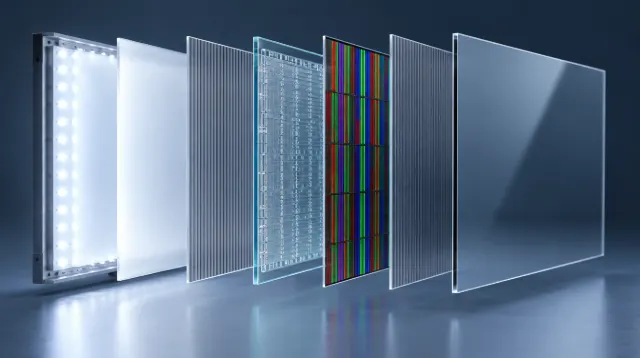
How an LCD screen makes an image, layer by layer: backlight, polarizers, liquid crystals, transistors and color filters, plus TN, IPS and VA panels.
Nits explained for business screens: typical brightness for indoor, window-facing and outdoor displays, heat and sunlight challenges, and energy use.