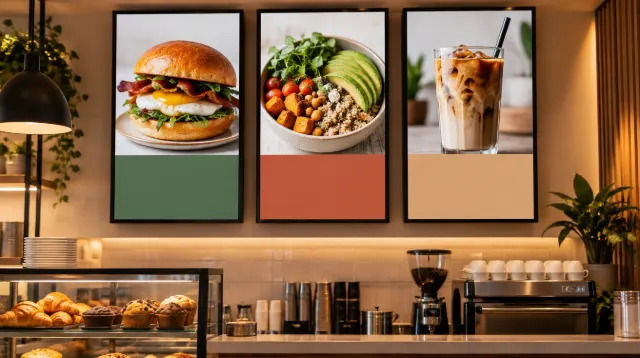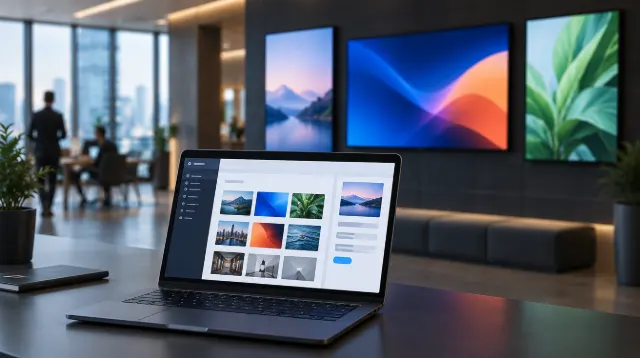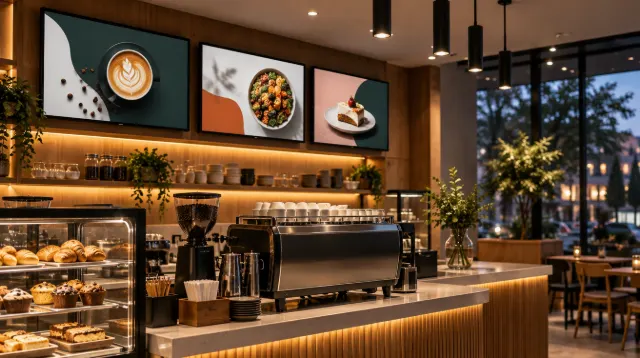
Digital Signage for Small Business: Hardware, Software and Costs
How to set up digital signage for a small business: choosing screens and media players, signage software, content that works, installation and the real costs.

How touchscreen kiosks work in retail and hospitality: self-ordering, product finders and check-in, hardware and software, accessibility, hygiene and ROI.
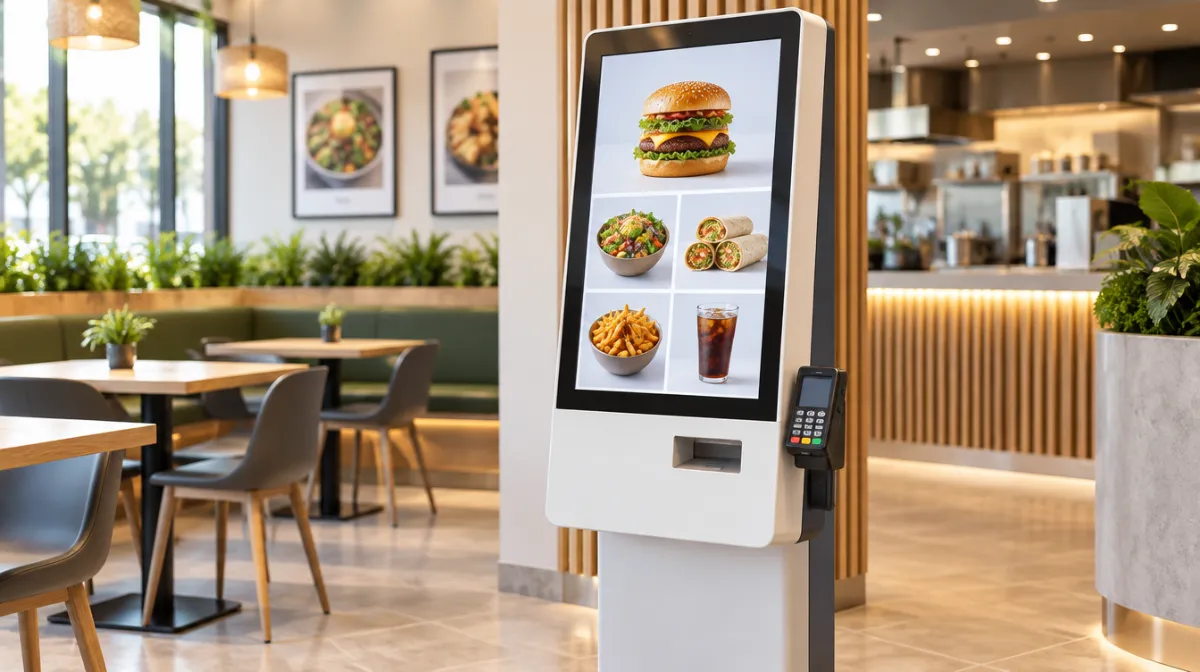
Self-service kiosks are now common in quick-service restaurants, cinemas, hotels and shops. Done well, they shorten queues and make it easy for customers to explore options at their own pace.
Follow local accessibility standards for reach ranges, contrast and alternative ways to order. Always keep a staffed option available.
Clean screens regularly with manufacturer-approved products, and monitor devices remotely for faults.
Track order values, queue times, labour allocation and customer satisfaction; see measuring digital signage ROI. For non-touch screens, see digital signage for small businesses.
Many businesses report higher average order values from kiosk upselling, but results vary.
Costs include hardware, software, payments and installation. Leasing and subscriptions can spread the cost.
Usually they free staff for food preparation and customer service rather than replacing them entirely.

Every article is edited by a human and checked against our editorial policy. Spotted a mistake? Tell us.
How to set up digital signage for a small business: choosing screens and media players, signage software, content that works, installation and the real costs.
How to set up digital menu boards: choosing screens and players, layout and design, dayparting, POS and price updates, allergens and measuring results.
How to choose digital signage software: cloud vs on-premise, content management, scheduling, device support, integrations, security, analytics and pricing.