Digital Signage for Small Business: Hardware, Software and Costs
How to set up digital signage for a small business: choosing screens and media players, signage software, content that works, installation and the real costs.

How to choose digital signage software: cloud vs on-premise, content management, scheduling, device support, integrations, security, analytics and pricing.
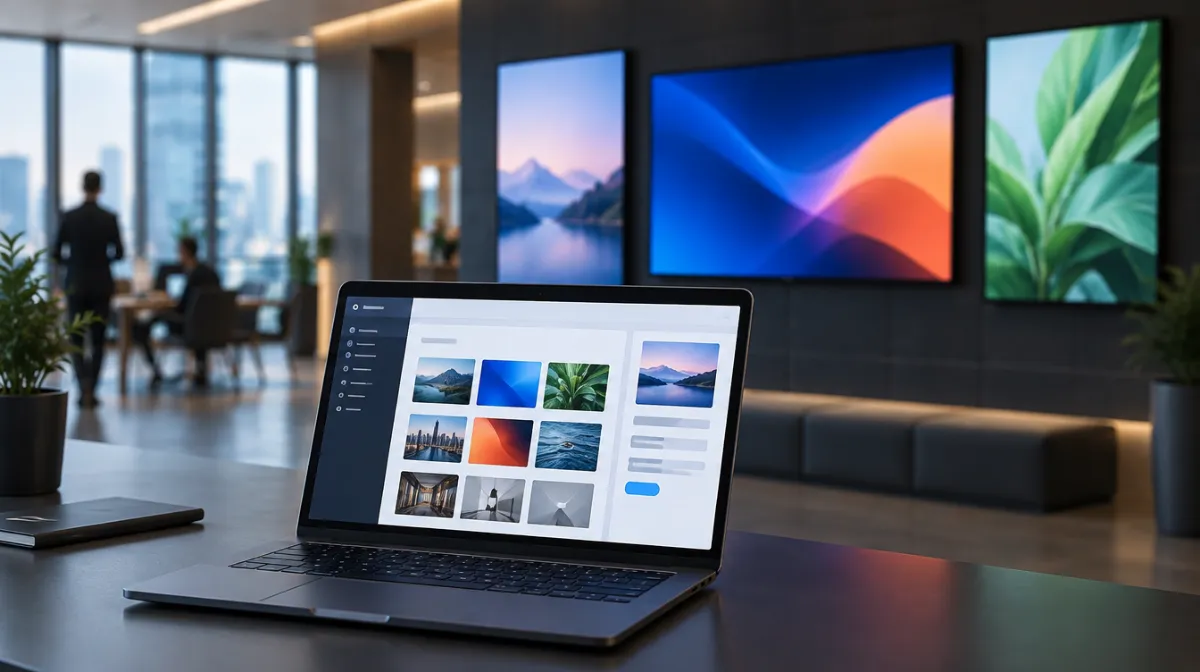
Your screens are only as good as the software that runs them. The right platform makes updating content quick and reliable; the wrong one creates daily frustration.
| Cloud (SaaS) | On-premise | |
|---|---|---|
| Setup | Fast | More complex |
| Updates | Automatic | Managed by you |
| Cost | Monthly per screen | Upfront licences and servers |
| Best for | Most small and mid-sized businesses | Large or highly regulated organisations |
Most platforms charge per screen per month, sometimes with tiers for features. Check costs for players, templates and support.
For menu-specific needs, see digital menu boards; for large displays, see video walls.
For a single screen, a simple media player may do. For multiple screens and scheduling, signage software is much easier.
It depends on the platform and player. Check compatibility with your displays.
Free tools can work for very simple setups, but they often lack scheduling, monitoring and support.
Every article is edited by a human and checked against our editorial policy. Spotted a mistake? Tell us.
How to set up digital signage for a small business: choosing screens and media players, signage software, content that works, installation and the real costs.
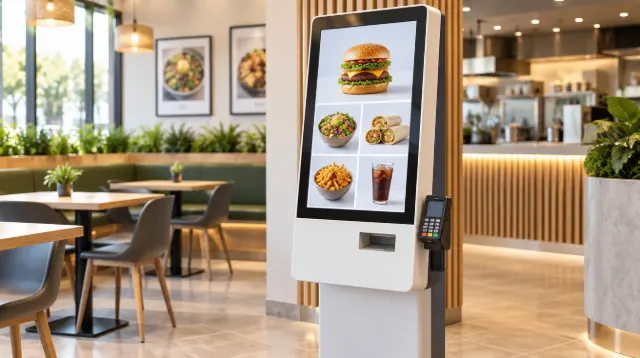
How to set up digital menu boards: choosing screens and players, layout and design, dayparting, POS and price updates, allergens and measuring results.
How touchscreen kiosks work in retail and hospitality: self-ordering, product finders and check-in, hardware and software, accessibility, hygiene and ROI.