Commercial vs Consumer TVs for Business Use
Commercial displays vs consumer TVs for business: duty cycle, brightness, warranty, remote management and total cost, with when a consumer TV is fine.

How to buy a video wall: LCD vs direct-view LED, bezel width, resolution and pixel pitch, controllers, mounting, content and the total costs to budget for.
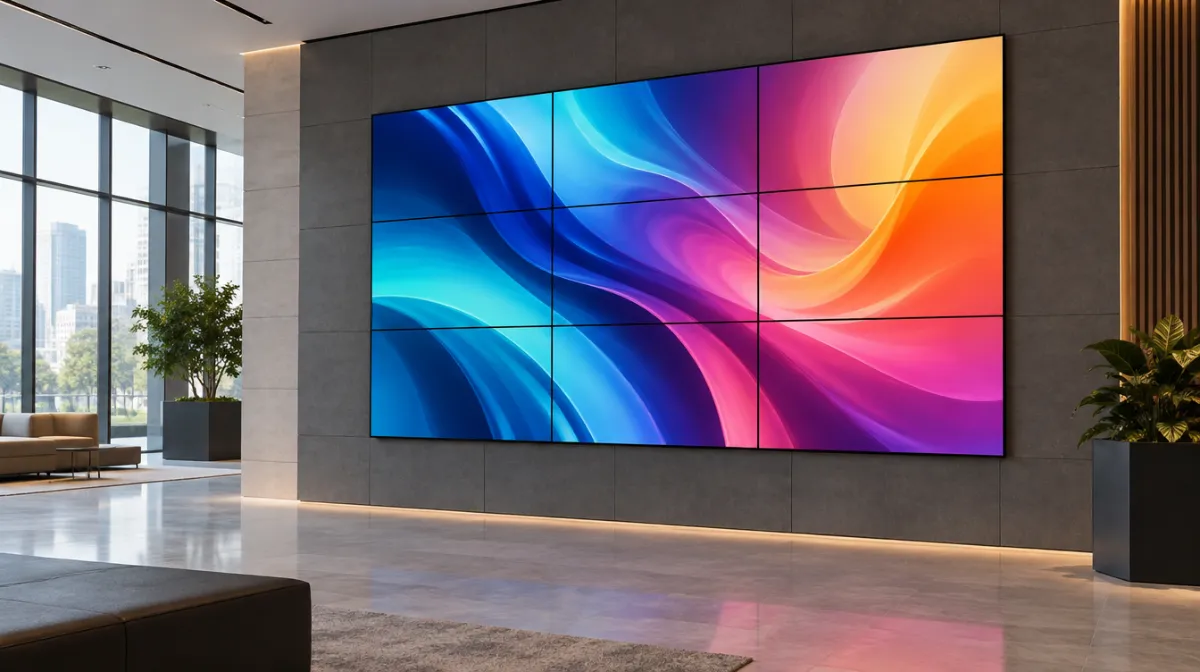
A video wall turns several screens, or LED modules, into one large display. Lobbies, control rooms, retail flagships and event spaces all use them to make an impact.
| LCD video wall | Direct-view LED | |
|---|---|---|
| Seams | Thin bezels between panels | Seamless |
| Brightness | Good to high | Very high |
| Viewing distance | Close viewing is fine | Depends on pixel pitch |
| Cost | Lower for many sizes | Higher, but falling |
| Best for | Lobbies, control rooms, retail | Large-format, bright or outdoor installs |
A video wall controller or media player splits content across the screens. Plan content designed for the wall’s shape and resolution; see digital signage software compared.
Use professional installers and purpose-built mounts with alignment adjustments. Plan power, ventilation, cabling and service access.
Screens or LED modules, mounts, controllers, cabling, installation, calibration, content creation and maintenance.
Define goals first: brand impact, footfall, sales of promoted items. See measuring digital signage ROI.
If you’re leaning towards LED, our guide to pixel pitch explains how to choose, and the display mounting guide covers mounts and fixings.
It depends on the size and aspect ratio you want. Common layouts are 2×2 or 3×3.
Consumer TVs have thick bezels and aren’t built for tiling. Use video-wall displays.
Commercial panels are designed for long operation. Lifespan depends on usage and environment.

Every article is edited by a human and checked against our editorial policy. Spotted a mistake? Tell us.
Commercial displays vs consumer TVs for business: duty cycle, brightness, warranty, remote management and total cost, with when a consumer TV is fine.
How to choose office monitors: size and resolution, panel types, USB-C docking, ergonomics and eye comfort, multi-monitor setups and buying for a whole team.
How to choose interactive flat panels for classrooms and meeting rooms: size, touch technology, wireless sharing, video conferencing and security.