Video Wall Buying Guide
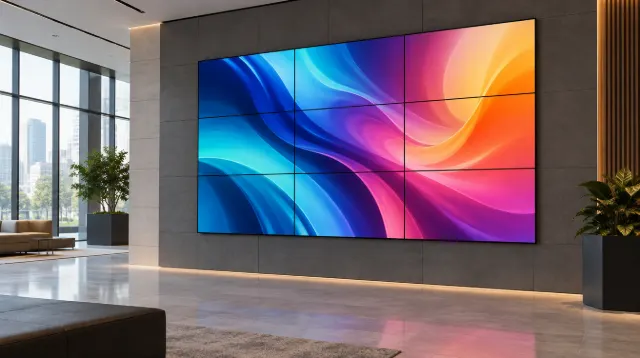
How to buy a video wall: LCD vs direct-view LED, bezel width, resolution and pixel pitch, controllers, mounting, content and the total costs to budget for.

Commercial displays vs consumer TVs for business: duty cycle, brightness, warranty, remote management and total cost, with when a consumer TV is fine.
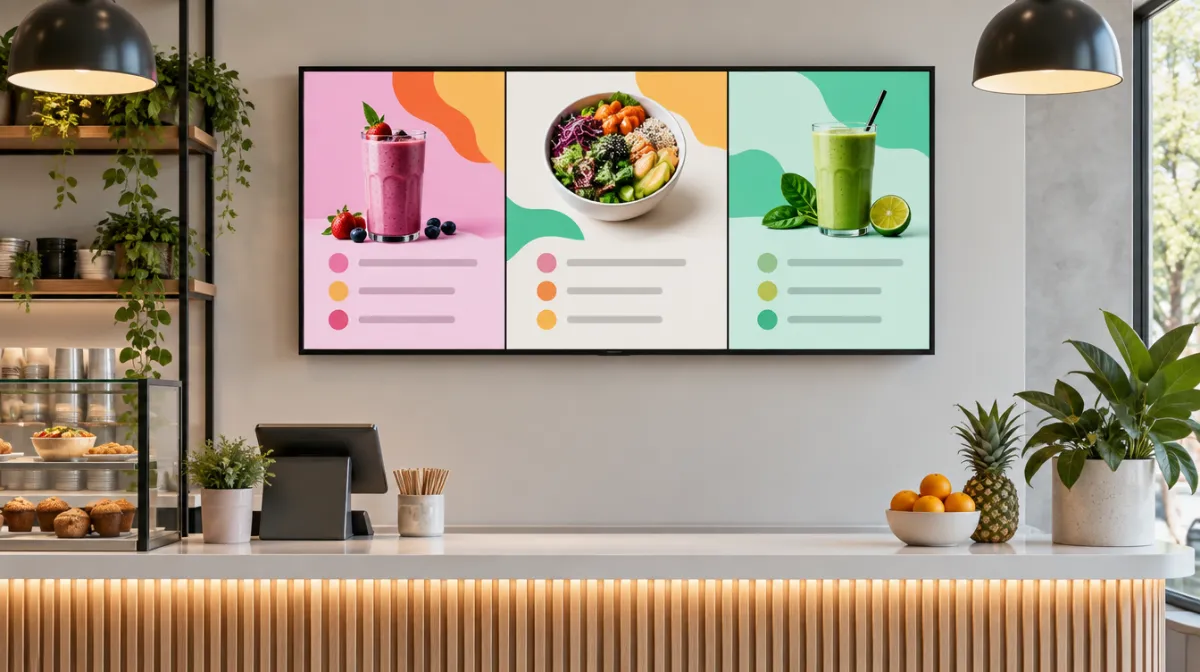
It’s tempting to buy a consumer TV for a shop, office or restaurant: they’re cheap and look great in the store. But business use is different, and the wrong choice can cost more in the long run.
| Commercial display | Consumer TV | |
|---|---|---|
| Designed operating hours | Long daily use, often up to 24/7 | Typically a few hours a day |
| Brightness | Standard to very high (window-facing) | Designed for living rooms |
| Warranty | Business warranty for commercial use | Commercial use may affect warranty |
| Orientation | Landscape and portrait supported | Usually landscape only |
| Remote management | Network control, scheduling, monitoring | Limited |
| Built-in players | Often include signage players | Smart TV apps, not signage-focused |
| Price | Higher upfront | Lower upfront |
Add up purchase price, installation, energy, expected lifespan, warranty coverage and downtime. A cheaper TV that fails early or voids its warranty can end up costing more.
Most commercial displays are LCD because static content can cause burn-in on OLED; see LCD vs OLED vs Mini-LED.
For light use, some businesses do. For long hours, brightness and warranty protection, commercial displays are safer.
They’re designed for extended operation and typically rated for many thousands of hours.
For screens that run most of the day, usually yes, thanks to reliability, warranty and management features.

Every article is edited by a human and checked against our editorial policy. Spotted a mistake? Tell us.
How to buy a video wall: LCD vs direct-view LED, bezel width, resolution and pixel pitch, controllers, mounting, content and the total costs to budget for.
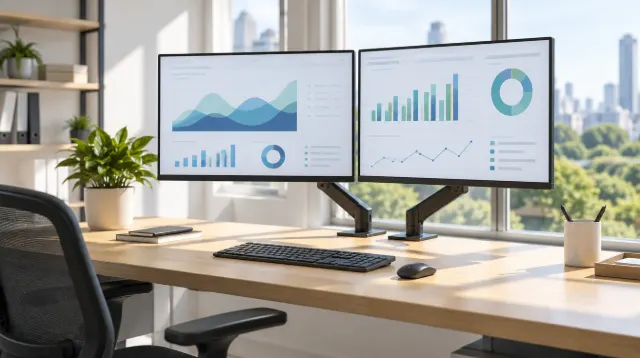
How to choose office monitors: size and resolution, panel types, USB-C docking, ergonomics and eye comfort, multi-monitor setups and buying for a whole team.
How to choose interactive flat panels for classrooms and meeting rooms: size, touch technology, wireless sharing, video conferencing and security.