LCD vs OLED vs Mini-LED: Which Display Is Right for Your Business?
LCD, OLED and Mini-LED compared for business use: brightness, contrast, burn-in risk, lifespan and cost, with picks for signage, offices and retail.

HD, Full HD, 4K and 8K explained for business screens: pixel counts, pixel density, viewing distance, content, bandwidth and when higher resolution is worth it.
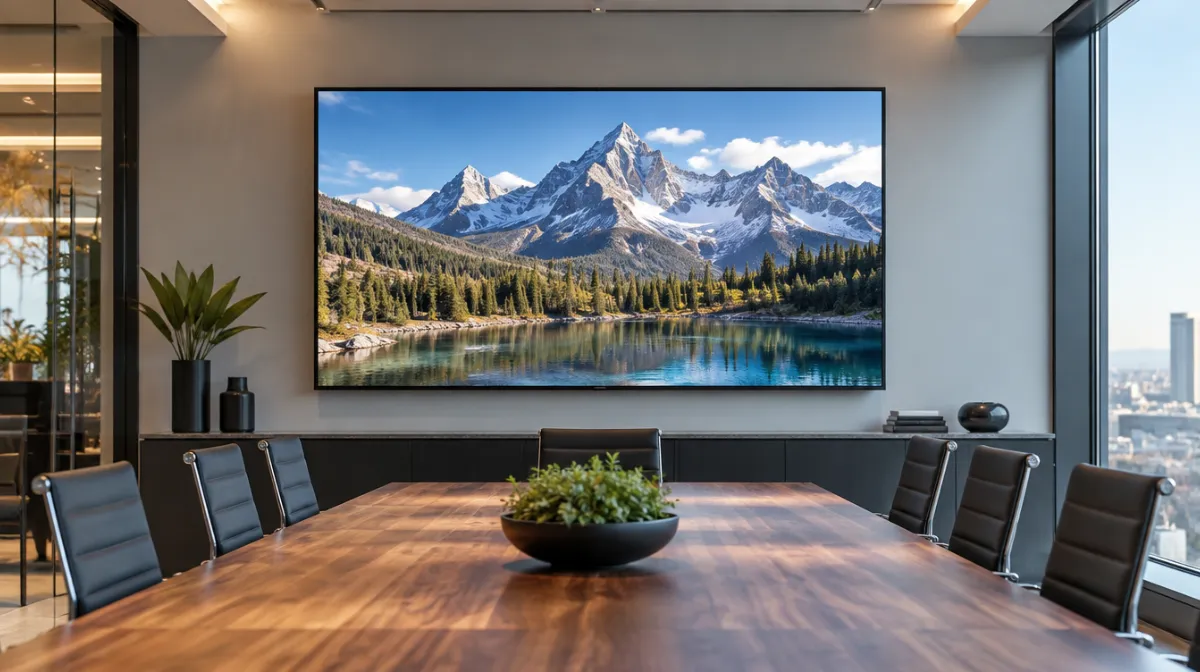
Resolution is simply the number of pixels a display has, written as width × height. More pixels mean finer detail, but only if viewers are close enough to notice and the content is made at that resolution. For most business screens bought today, 4K (3840 × 2160) is the sensible default from about 43 inches upwards. Full HD still works for small screens or content viewed from a distance, and 8K is rarely worth the cost outside specialist uses.
| Name | Pixels | Total pixels | Typical business use |
|---|---|---|---|
| HD (720p) | 1280 × 720 | About 0.9 million | Older or very small screens |
| Full HD (1080p) | 1920 × 1080 | About 2.1 million | Small signage, screens viewed from afar, budget menu boards |
| 4K UHD | 3840 × 2160 | About 8.3 million | Meeting rooms, retail, reception screens, most new signage |
| DCI 4K | 4096 × 2160 | About 8.8 million | Cinema and professional video production |
| 8K UHD | 7680 × 4320 | About 33.2 million | Specialist visualisation, very large screens seen up close |
4K has four times the pixels of Full HD, and 8K four times the pixels of 4K.
The same resolution looks sharper on a smaller screen because the pixels are packed more tightly. This is measured as pixel density, in pixels per inch (PPI):
PPI = √(width² + height²) ÷ diagonal in inches
| Screen | Full HD | 4K |
|---|---|---|
| 43 inches | About 51 PPI | About 102 PPI |
| 55 inches | About 40 PPI | About 80 PPI |
| 75 inches | About 29 PPI | About 59 PPI |
Distance matters just as much. A common rule of thumb, based on normal eyesight resolving about one arcminute, is that individual pixels blend together beyond roughly 3,438 ÷ PPI inches. For a 55-inch screen, that’s about 2.2 metres for Full HD but only about 1.1 metres for 4K. Stand further back than that and extra resolution becomes harder to see. Our screen size and viewing distance calculator works this out for any screen.
8K displays exist in large sizes, but business benefits are limited:
It can make sense for control rooms, design studios or very large screens that people inspect up close. Large LED video walls work differently; their sharpness depends on pixel pitch rather than a fixed resolution.
| Item | What to check |
|---|---|
| Media player | It can decode and output 4K at the frame rate you need, usually 60 Hz |
| Connection | HDMI 2.0 supports 4K at 60 Hz; HDMI 2.1 adds higher frame rates and 8K |
| Cables | Use cables certified for the bandwidth, and keep long runs within spec or use extenders |
| Content | Design templates at the native resolution, or check how your software scales them |
| File sizes | 4K video files are larger; plan storage and network capacity |
If your content is Full HD, a 4K screen upscales it. Modern displays do this well, but text and graphics look best when created at the native resolution. Our guide to media players for digital signage compares the options.
Brightness, contrast, panel type and anti-glare coatings often make a bigger difference to how a screen looks in a real business setting. A bright, well-positioned Full HD screen can outperform a dim 4K one in a sunny window. See our guides to brightness in nits, IPS vs VA vs TN panels and how LCD screens work.
| Use | Suggested resolution |
|---|---|
| Meeting room, 55 to 86 inches | 4K |
| Digital menu board viewed from the counter | 4K for sizes over 43 inches; Full HD acceptable for smaller screens |
| Corridor or wayfinding screen | Full HD or 4K, depending on distance |
| Shop window display | 4K, but prioritise brightness |
| Control room with detailed data | 4K, or 8K for very large screens viewed up close |
Usually, yes, if people view it from within about 1.5 metres or read small text. From further away, the difference is harder to see.
Yes. The display upscales it automatically. Video usually looks fine; small text looks sharpest when designed at 4K.
4K UHD (3840 × 2160) is the consumer and business standard with a 16:9 shape. DCI 4K (4096 × 2160) is slightly wider and used mainly in cinema.

Every article is edited by a human and checked against our editorial policy. Spotted a mistake? Tell us.
LCD, OLED and Mini-LED compared for business use: brightness, contrast, burn-in risk, lifespan and cost, with picks for signage, offices and retail.
How an LCD screen makes an image, layer by layer: backlight, polarizers, liquid crystals, transistors and color filters, plus TN, IPS and VA panels.
Nits explained for business screens: typical brightness for indoor, window-facing and outdoor displays, heat and sunlight challenges, and energy use.