Commercial vs Consumer TVs for Business Use
Commercial displays vs consumer TVs for business: duty cycle, brightness, warranty, remote management and total cost, with when a consumer TV is fine.

Find the right display size for any room with our calculator: screen dimensions, pixel density, when pixels disappear and sizing rules for meeting rooms.
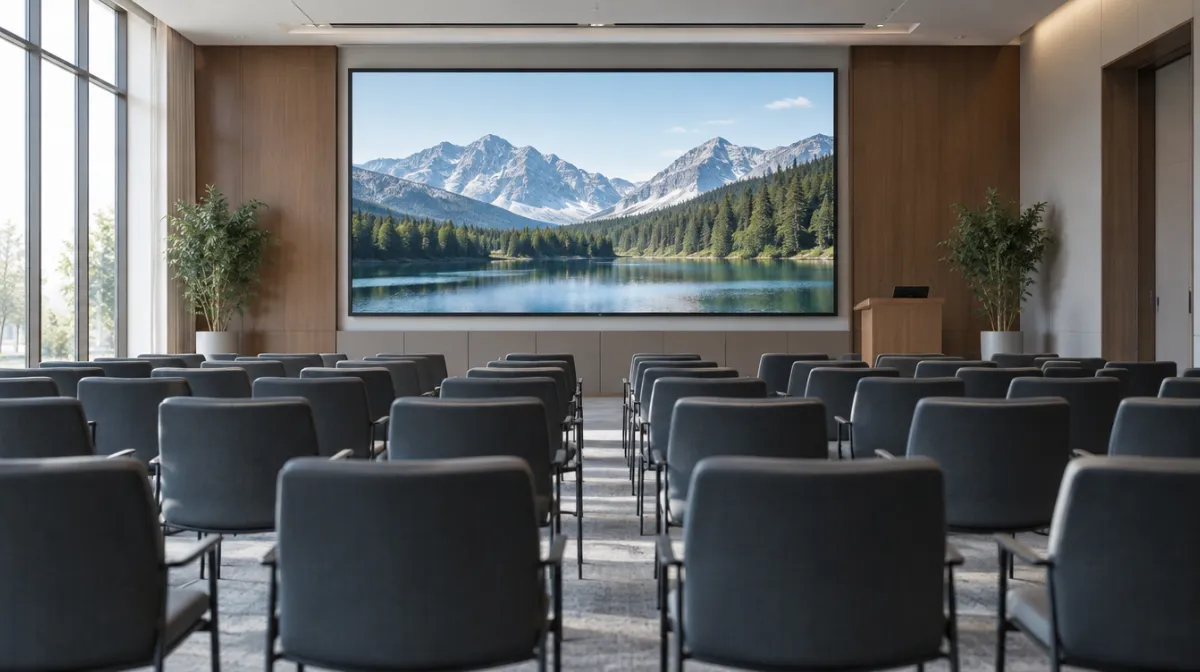
The right screen size depends on how far away your audience is and what they need to see. A quick rule used across the AV industry: for general presentations, the farthest viewer should be no more than about six times the height of the image away. For detailed work, such as spreadsheets and drawings, that drops to about four times; for passive viewing, such as signage and video, it stretches to about eight. Resolution then decides how close people can get before they see individual pixels. The calculator below does the maths for any screen.
Enter a screen size and resolution. Add your farthest viewing distance to see the minimum screen size for that room. Assumes a 16:9 screen.
Enter a screen size.
The calculator assumes a flat 16:9 screen; ultrawide and portrait screens need adjusting.
| Viewing task | Farthest viewer | Examples |
|---|---|---|
| Detailed (analytical) | About 4 × image height | Spreadsheets, engineering drawings, small text |
| General (basic decisions) | About 6 × image height | Presentations, video calls, dashboards |
| Passive | About 8 × image height | Signage, video, TV-style content |
AVIXA, the audiovisual industry association, publishes a more detailed standard known as DISCAS, which sizes screens from the smallest element viewers must read. It’s worth using for large or complex rooms, and many AV integrators design to it.
| Space | Farthest viewer | Suggested screen |
|---|---|---|
| Huddle room (4 people) | 2.5 to 3 m | 43 to 55 inches |
| Meeting room (8 to 10 people) | 4 to 5 m | 65 to 86 inches, or two screens |
| Boardroom (12 to 20 people) | 6 to 8 m | 86 inches and above, a projector or an LED wall |
| Reception or lobby signage | 3 to 6 m | 43 to 75 inches, depending on content |
| Menu board above a counter | 2 to 4 m | 43 to 55 inches per screen |
Suggested sizes sit between the 4× and 6× rules, allowing for mixed content such as video calls and spreadsheets. If people must read fine detail, go larger or bring the screen closer.
If people stand close, such as at a reception desk or menu board, resolution matters. A 55-inch Full HD screen shows visible pixels to anyone closer than about 2.2 metres; the same size in 4K is sharp down to about 1.1 metres. Our guide to HD, 4K and 8K explains more. For LED walls, the equivalent is pixel pitch.
Screen size and content design work together. A common signage rule of thumb is about 2.5 cm (1 inch) of letter height for every 3 metres (10 feet) of viewing distance for comfortable reading. Keep text short, use high contrast and test your content from the back of the room. Our digital signage content ideas include layout tips.
In wide rooms, or where people need to see shared content and a video call at the same time, two displays side by side can work better than one very large screen. Each screen should still meet the size rule for the farthest viewer. Two 75-inch screens can cost less than a single 98-inch display and add flexibility, although one large image is better for detailed drawings or dashboards that must be seen as a whole.
Size isn’t the only factor. Mount screens high enough that heads don’t block the view, but not so high that people crane their necks. See our display mounting guide for heights, VESA patterns and wall fixings, and our guide to interactive displays for meeting rooms if people will touch the screen.
For general viewing, up to about 4.9 metres (6 × image height). For 4K, pixels become visible only closer than about 1.3 metres.
For general viewing, at least about 67 inches, so a 70- or 75-inch model; for detailed spreadsheets, closer to 100 inches, or two screens.
Viewers at sharp angles see a distorted, dimmer image. Where possible, keep seats within about 45 degrees of the screen’s centre line, and consider two screens for wide rooms.
No. A screen that’s too big for a small room can be uncomfortable to watch, and the extra cost may be better spent on resolution, brightness or audio.

Every article is edited by a human and checked against our editorial policy. Spotted a mistake? Tell us.
Commercial displays vs consumer TVs for business: duty cycle, brightness, warranty, remote management and total cost, with when a consumer TV is fine.
How to buy a video wall: LCD vs direct-view LED, bezel width, resolution and pixel pitch, controllers, mounting, content and the total costs to budget for.
How to choose office monitors: size and resolution, panel types, USB-C docking, ergonomics and eye comfort, multi-monitor setups and buying for a whole team.