Commercial vs Consumer TVs for Business Use
Commercial displays vs consumer TVs for business: duty cycle, brightness, warranty, remote management and total cost, with when a consumer TV is fine.

How to choose office monitors: size and resolution, panel types, USB-C docking, ergonomics and eye comfort, multi-monitor setups and buying for a whole team.
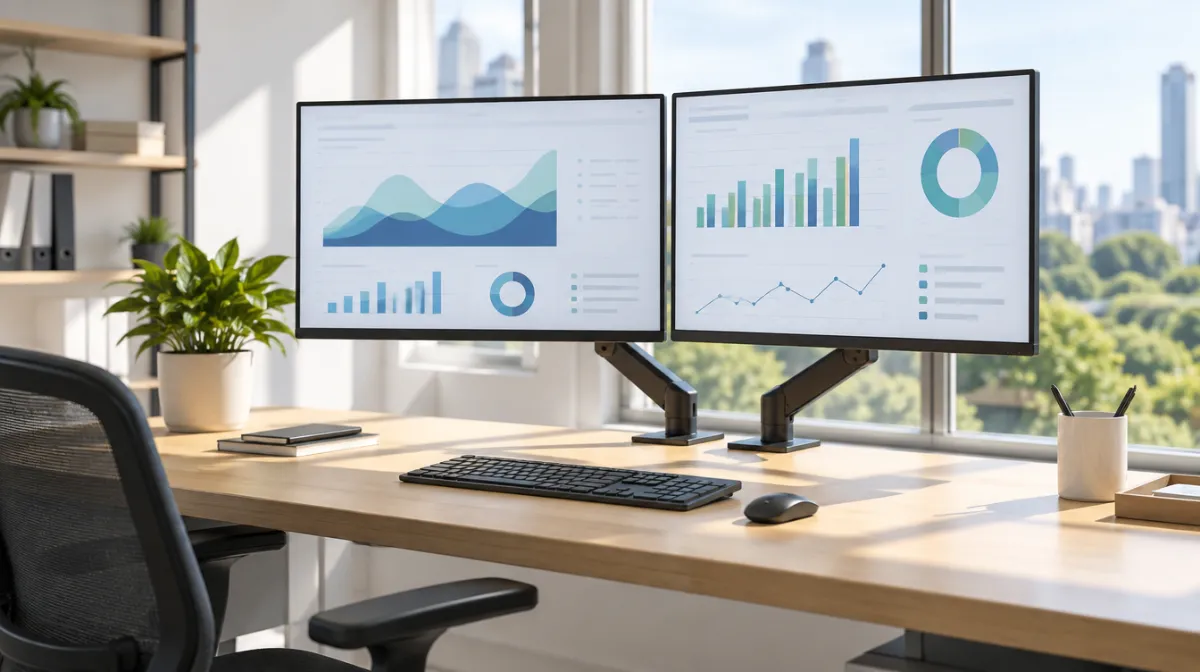
Monitors are one of the most-used tools in any office, and one of the easiest ways to improve comfort and productivity. Here’s how to choose well, whether for yourself or a whole team.
| Size | Common resolution | Good for |
|---|---|---|
| 24-inch | Full HD or higher | Everyday office work |
| 27-inch | QHD (1440p) or 4K | Spreadsheets, multitasking |
| 32-inch | 4K | Design, data, detailed work |
| Ultrawide | Wide resolutions | Timelines, dashboards, multitasking |
See how LCD screens work for why panel types differ.
USB-C with power delivery lets a single cable charge a laptop and carry video and data, ideal for hot-desking. Check ports for your devices.
Standardise models to simplify support, check warranty terms and consider sustainability ratings and energy use.
Larger shared screens have different needs; see interactive displays for meeting rooms and commercial vs consumer TVs.
24–27 inches suits most people. Larger screens help with detailed or multitasking work.
On larger screens, it gives sharper text. On 24-inch screens, QHD or Full HD may be enough.
Both work. Two monitors are flexible; ultrawides avoid a central bezel.

Every article is edited by a human and checked against our editorial policy. Spotted a mistake? Tell us.
Commercial displays vs consumer TVs for business: duty cycle, brightness, warranty, remote management and total cost, with when a consumer TV is fine.
How to buy a video wall: LCD vs direct-view LED, bezel width, resolution and pixel pitch, controllers, mounting, content and the total costs to budget for.
How to choose interactive flat panels for classrooms and meeting rooms: size, touch technology, wireless sharing, video conferencing and security.