Commercial vs Consumer TVs for Business Use
Commercial displays vs consumer TVs for business: duty cycle, brightness, warranty, remote management and total cost, with when a consumer TV is fine.

How to choose interactive flat panels for classrooms and meeting rooms: size, touch technology, wireless sharing, video conferencing and security.
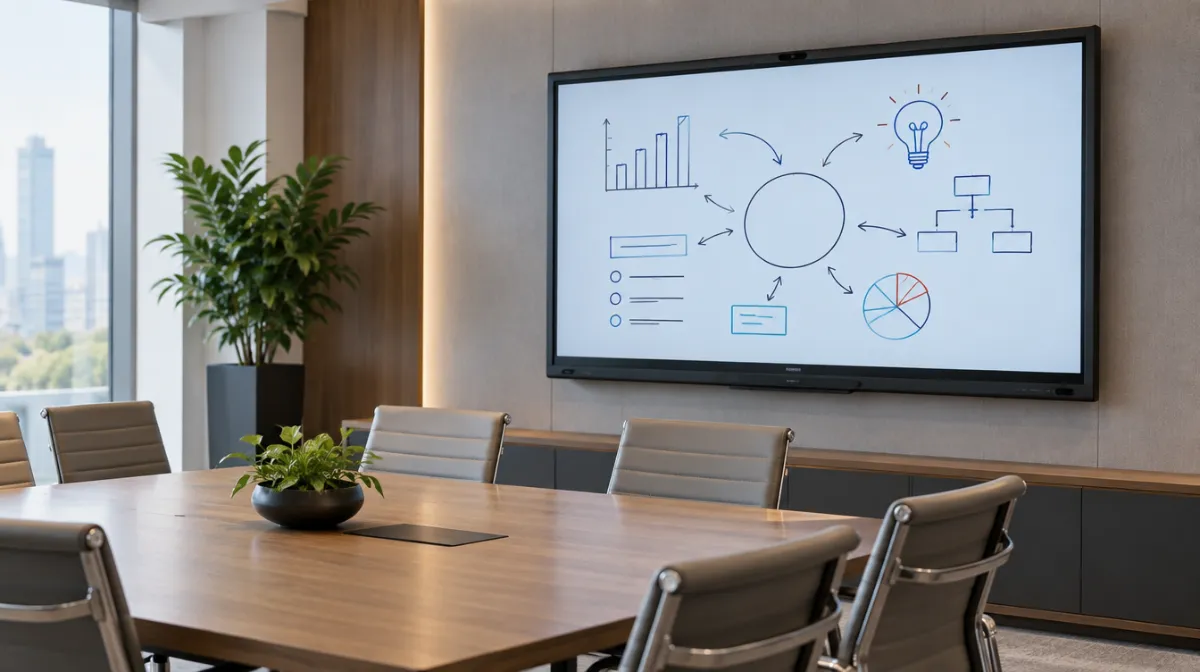
Interactive displays have replaced projectors and whiteboards in many classrooms and meeting rooms. They let people write, annotate, share screens and join video calls on one large touchscreen.
| Room | Typical size |
|---|---|
| Huddle room | 55–65 inches |
| Meeting room | 65–75 inches |
| Classroom or boardroom | 75–86 inches |
Match size to viewing distance: people at the back should read text comfortably.
Durable glass, child-safe mounting, height-adjustable stands and software that supports lessons and saving work.
Fast wireless sharing, integration with your conferencing platform and simple one-touch meeting joining.
Plan mounting, cabling and power. Check warranty and support terms, and train staff so the display gets used.
For standard office screens, see our office monitor buying guide; for display tech basics, read how LCD screens work.
They’re brighter, sharper and support touch, though larger sizes cost more.
Many have built-in systems; you can also connect a PC for full software.
Commercial panels are designed for long use. Lifespan depends on hours and care.

Every article is edited by a human and checked against our editorial policy. Spotted a mistake? Tell us.
Commercial displays vs consumer TVs for business: duty cycle, brightness, warranty, remote management and total cost, with when a consumer TV is fine.
How to buy a video wall: LCD vs direct-view LED, bezel width, resolution and pixel pitch, controllers, mounting, content and the total costs to budget for.
How to choose office monitors: size and resolution, panel types, USB-C docking, ergonomics and eye comfort, multi-monitor setups and buying for a whole team.