LCD vs OLED vs Mini-LED: Which Display Is Right for Your Business?
LCD, OLED and Mini-LED compared for business use: brightness, contrast, burn-in risk, lifespan and cost, with picks for signage, offices and retail.

IPS, VA and TN LCD panels compared: viewing angles, contrast, colour, response time and cost, plus which panel type suits signage, meeting rooms and office use.
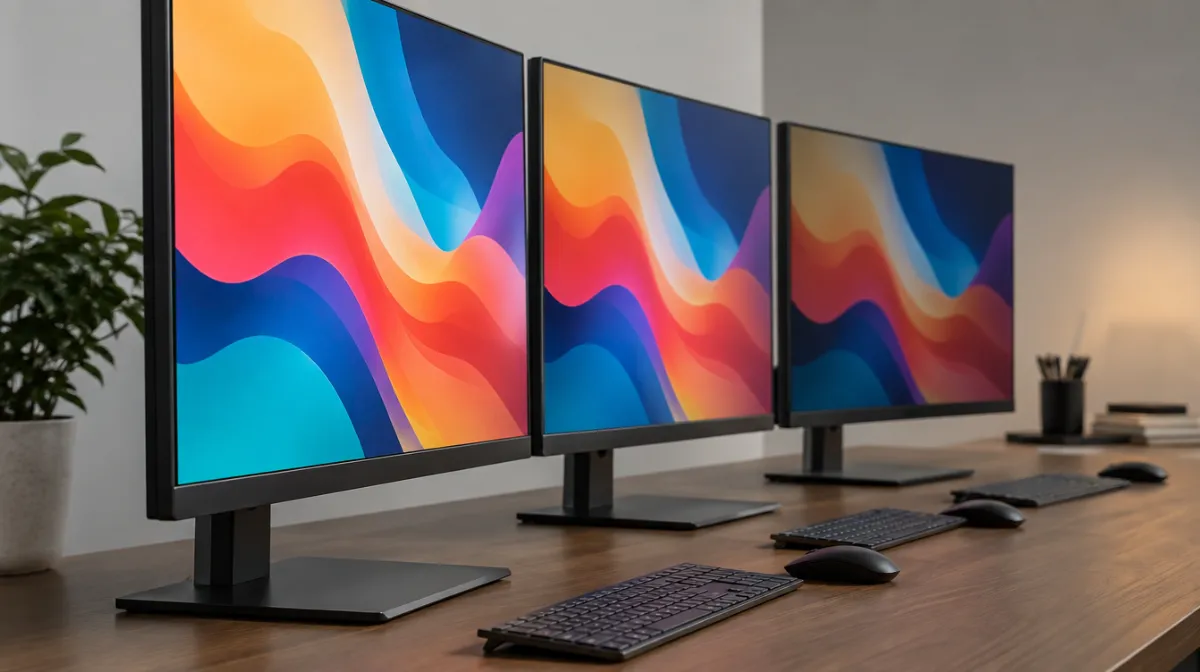
IPS, VA and TN are the three main types of LCD panel, and they differ in how the liquid crystals are arranged. That affects viewing angles, contrast, colour accuracy and speed. In short: IPS is the all-rounder with the widest viewing angles and most consistent colour; VA offers the deepest blacks and highest contrast; TN is fast and inexpensive but looks washed out from the side. For most business displays that people view from different positions, IPS is the safest choice, while VA suits screens viewed head-on in dimmer rooms.
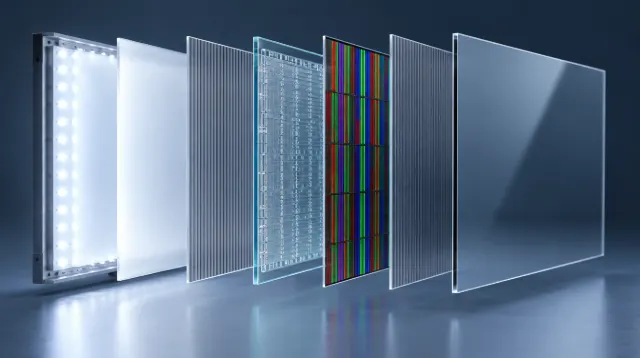
All three are LCDs: a backlight shines through liquid crystals that twist to let more or less light through. Our guide to how LCD screens work explains the basics. The difference is the crystal alignment:
| IPS | VA | TN | |
|---|---|---|---|
| Viewing angles | Widest; colour stays consistent | Good head-on, colour and contrast shift at angles | Narrow, especially from above or below |
| Contrast | Typically around 1,000:1 | Typically around 3,000:1 or more | Typically around 1,000:1 |
| Black levels | Can look greyish in dark rooms | Deepest blacks of the three | Average |
| Colour accuracy | Excellent | Good | Weaker |
| Response time | Good to very fast | Can smear in dark transitions | Very fast |
| Cost | Moderate | Moderate | Lowest |
| Typical uses | Signage, office, design, shared screens | TVs, meeting rooms, dim venues | Budget and legacy gaming monitors |
These are typical figures; individual models vary, and backlight technologies such as local dimming or Mini LED can change the picture considerably.
Signage is often viewed from the side, from below or while walking past, so viewing angles matter. IPS keeps colours and brand graphics consistent across a wide area. Portrait screens can be especially sensitive: a VA panel rotated to portrait may show noticeable shifts to viewers on either side. See our guides to digital signage for small businesses and digital menu boards.
In a meeting room, people sit at different angles to the screen. IPS keeps everyone seeing the same image. VA can work well where viewers sit mostly in front and the room can be dimmed for video, thanks to its stronger contrast. For interactive screens, see interactive displays for meeting rooms.
IPS is the most popular choice for office and design work because colour and text stay consistent across the screen. VA monitors offer good contrast at lower prices, especially in curved models. Our office monitor buying guide covers size, resolution and ergonomics.
LCD video walls need consistent colour across many panels and from different positions, so commercial IPS or high-quality VA panels designed for tiling are used. Check uniformity and calibration features; see our video wall buying guide.
OLED isn’t an LCD: each pixel makes its own light, giving perfect blacks and very wide viewing angles, but with burn-in risks for static content; see OLED burn-in and signage. Mini LED is an LCD backlight upgrade that boosts contrast and brightness and can be paired with IPS or VA panels. Our guide to LCD vs OLED vs Mini LED compares them in depth.
| If you need… | Choose |
|---|---|
| Consistent colour for viewers at many angles | IPS |
| Deep blacks for video in darker rooms | VA |
| The lowest price for single-user, head-on use | TN (rarely recommended now) |
| Portrait signage | IPS |
| Colour-critical design work | IPS with good colour coverage and calibration |
Commercial displays don’t always name the panel type prominently. Look for viewing angle figures (often quoted as 178° horizontal and vertical, which isn’t the whole story), contrast ratio and any mention of IPS, VA or equivalent brand names for these technologies. If viewing angles matter, see the screen in person or ask for a demonstration. If you buy several screens for one space, order the same model and panel type so colours match.
IPS is usually the best choice because its colours and brightness stay consistent when viewed from the side, above or below.
VA has better contrast and deeper blacks; IPS has better viewing angles and colour consistency. The better choice depends on where viewers sit and how bright the room is.
Rarely for business use. Their narrow viewing angles and weaker colour make them a poor fit for shared or public screens.

Every article is edited by a human and checked against our editorial policy. Spotted a mistake? Tell us.
LCD, OLED and Mini-LED compared for business use: brightness, contrast, burn-in risk, lifespan and cost, with picks for signage, offices and retail.
How an LCD screen makes an image, layer by layer: backlight, polarizers, liquid crystals, transistors and color filters, plus TN, IPS and VA panels.
Nits explained for business screens: typical brightness for indoor, window-facing and outdoor displays, heat and sunlight challenges, and energy use.